Downloads
Download using Chrome for the best experience.
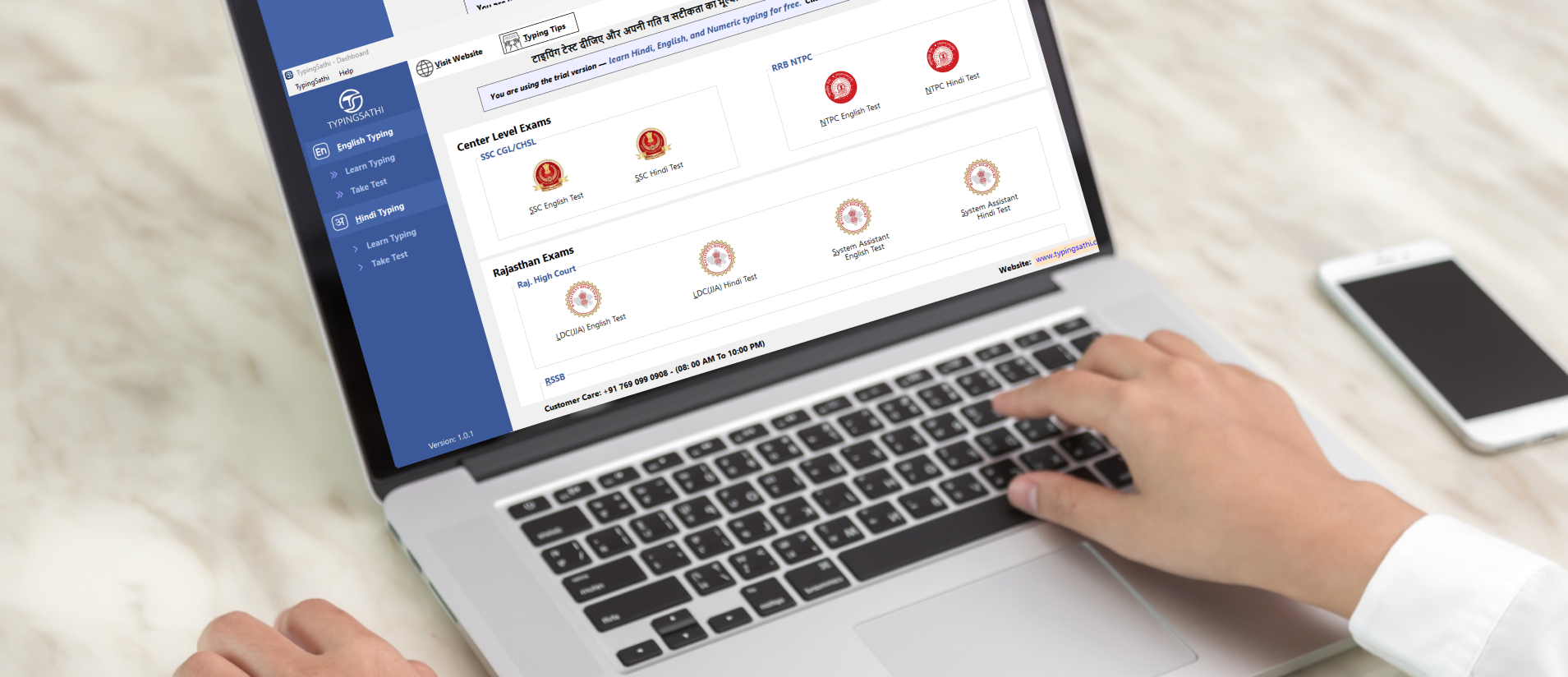
Supported Exams:
Watch the full video – how to download & activate TypingSathi.
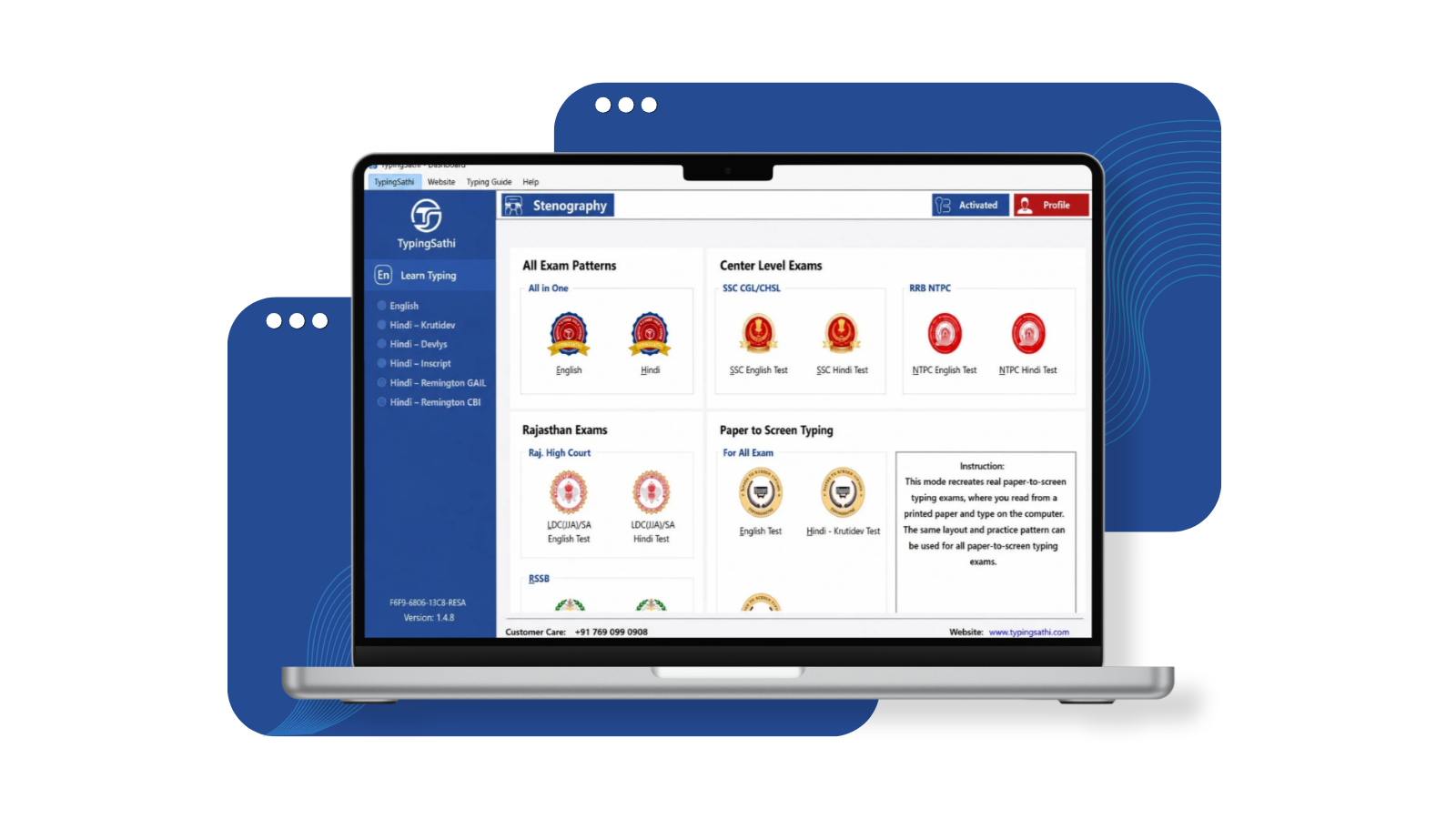
Download using Chrome for the best experience.
TypingSathi is not just another typing software – it’s built specifically for exam preparation.

Practice in an environment identical to actual exams.

Feel the pressure and rhythm of real typing tests.

Perfect for both beginners and advanced users.

Monitor your speed, accuracy, and progress with Advanced Technology.

Master both Hindi & English typing on Single Platform.

Practice the word you mistype most and improve Accuracy faster.
At TypingSathi, we are committed to helping government job aspirants master typing with ease. Our software is designed with precision and accuracy, ensuring that every user experiences the most effective typing practice.
A team of experts passionate about technology and exam preparation.
To provide realistic, structured and effective typing training for exam success.
To make high-quality typing practice accessible to all aspirants.
Here are the plans for your choices
Just message us on WhatsApp to get your TypingSathi license key.
 Scan to chat on WhatsApp
TypingSathi is designed to help aspirants master the typing skills required for government job exams. Our platform provides:
TypingSathi supports both English and Hindi typing for government exam preparation.
English typing: Practice with exam-style passages, in the same format used in SSC, RRB, High Court, DSSSB, UPSSSC, UP Police and other typing tests.
Hindi typing: Practice in all the layouts and fonts used in exams:
- Krutidev (Kruti Dev)
- Devlys
- Mangal (Inscript)
- Remington Gail
- Remington CBI
You can choose your language and keyboard layout before starting a test, so you practice exactly the way your exam requires, whether it’s CPCT, an RSSB LDC test, a High Court typing test or another exam.
More languages and layouts will be added in future updates. Want to see it first? Download TypingSathi for Windows and try the free learning module.
Yes, we offer a free learning module to help you get started. Additionally, we provide limited practice time so you can experience the platform and assess its effectiveness. We are confident that once you use our software, you will significantly improve your typing skills and feel fully prepared for the exam hall.
Purchasing a TypingSathi subscription is simple:
Need step-by-step help? Visit our Support page for a complete guide to downloading TypingSathi, buying your license key and activating it.
For any assistance, feel free to contact our support team.
You can also purchase license key from WhatsApp, Just message on 76909 90908
Yes! TypingSathi works offline, allowing you to practice anytime without an internet connection. Once installed on your device, you can access all features seamlessly and improve your typing skills without any interruptions.
If you encounter any technical issues, our support team is ready to assist you. You can:
Visit Our Support Page – Step-by-step guides and a video for downloading, buying a license key, activating the software and fixing common problems.
No, TypingSathi cannot be used on mobile phones or tablets.
It is specially designed only for Windows PCs/Laptops (Windows 7 SP1 and above), because our goal is to provide an exact exam-like typing experience which is only possible on a computer.
We are dedicated to providing a smooth experience and will resolve any issues as quickly as possible.
Fill out our contact form, and we’ll get back to you as soon as possible!
Have questions? Need support? We’re here to help!


Join our official channels for everything you need to ace your typing exam.