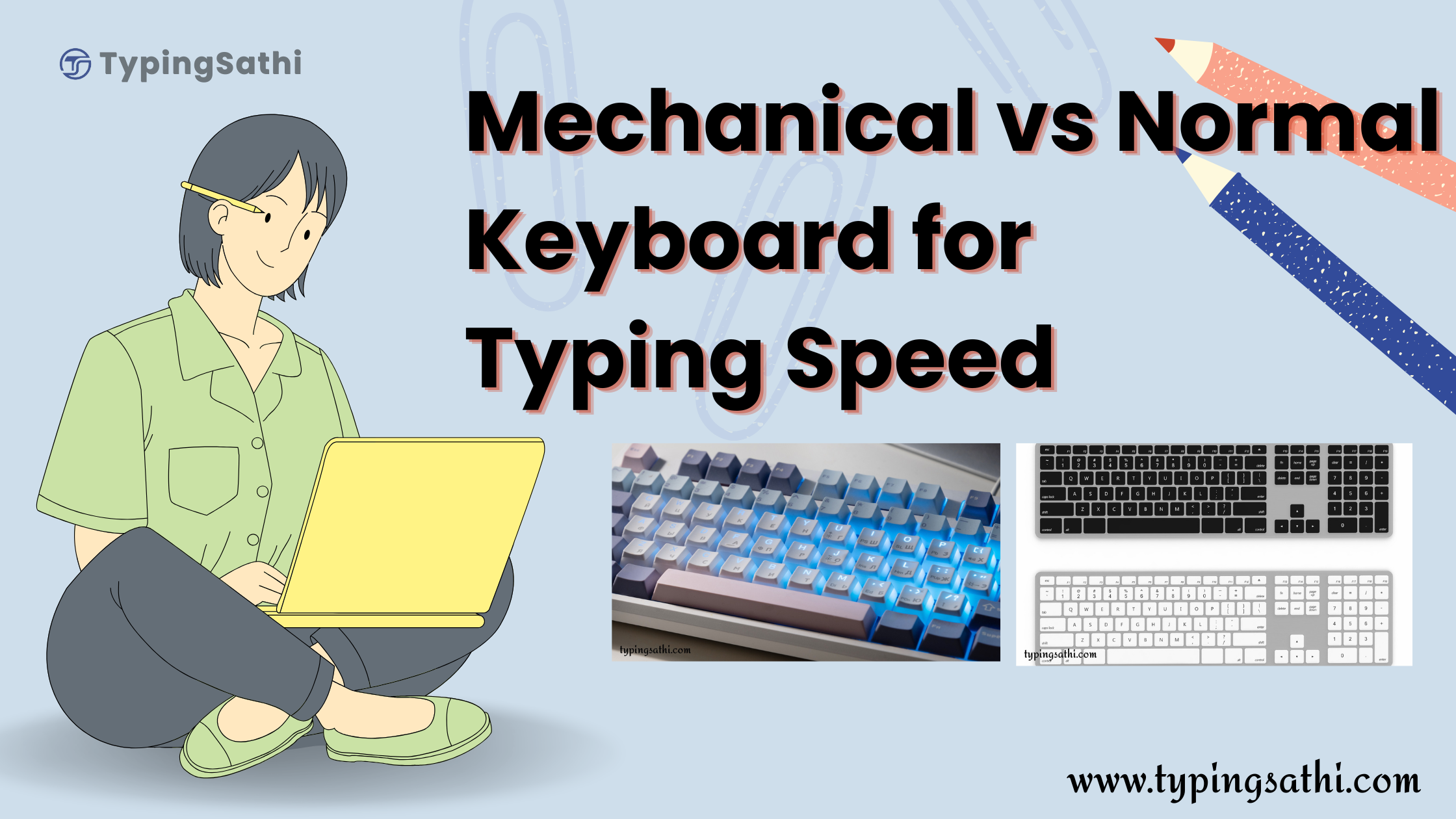
Typing has become a vital skill for individuals preparing for government exams, working in offices, or handling freelance work. However, many still have a question:
Can a mechanical keyboard really help improve typing speed compared to a standard keyboard?
Let’s break it down in a simple, practical, and exam-focused way so you can choose the right keyboard—and improve your typing performance faster.
What is a Mechanical Keyboard?
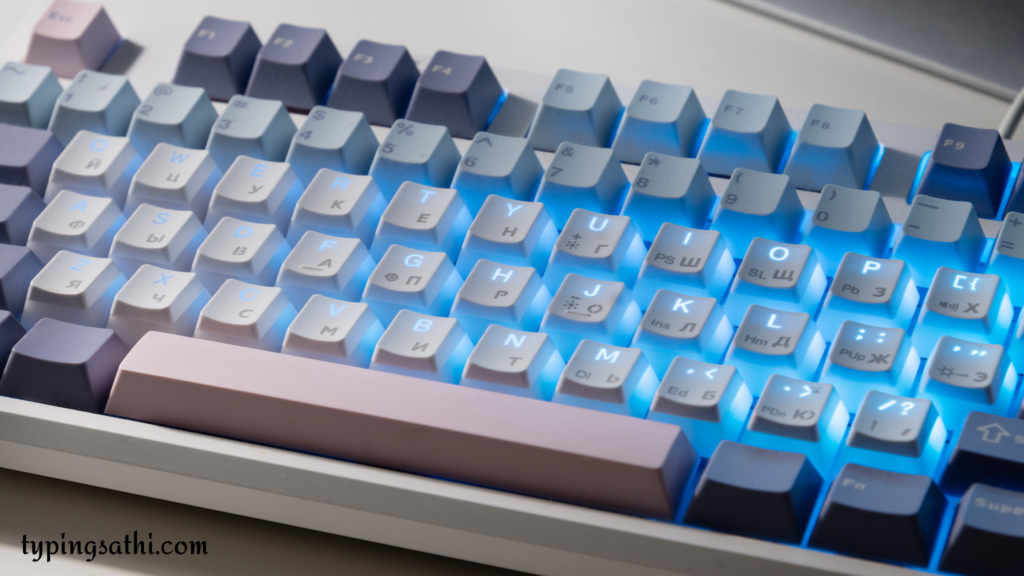
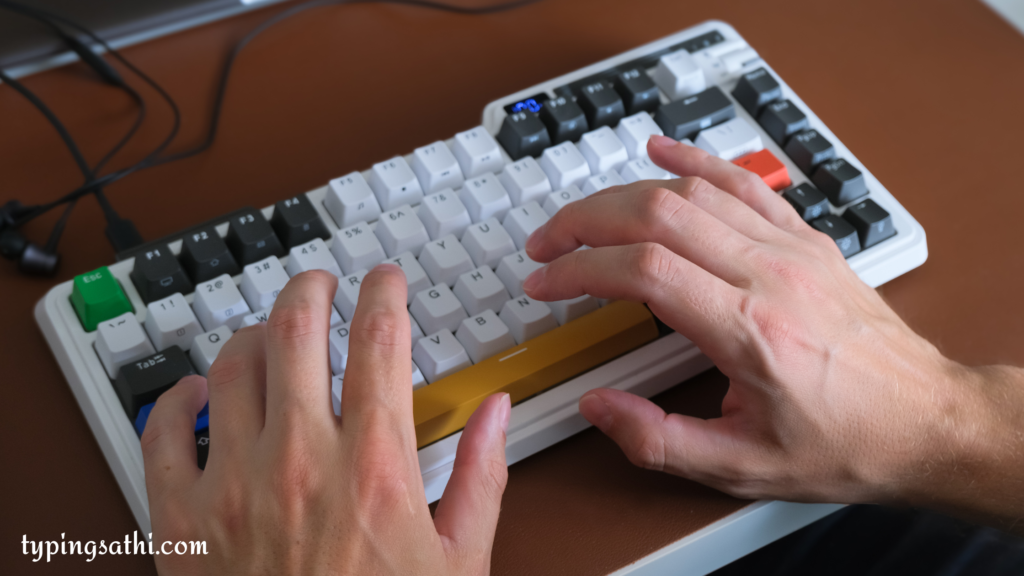
A mechanical keyboard uses individual mechanical switches under each key. These switches provide a tactile feel, a distinct sound, and a quicker response.
Key Features:
- Individual key switches
- Tactile feedback (you feel the key press)
- Faster response time
- Durable (lasts longer)
- Audible typing sound (clicky in some variants)
What is a Normal Keyboard?

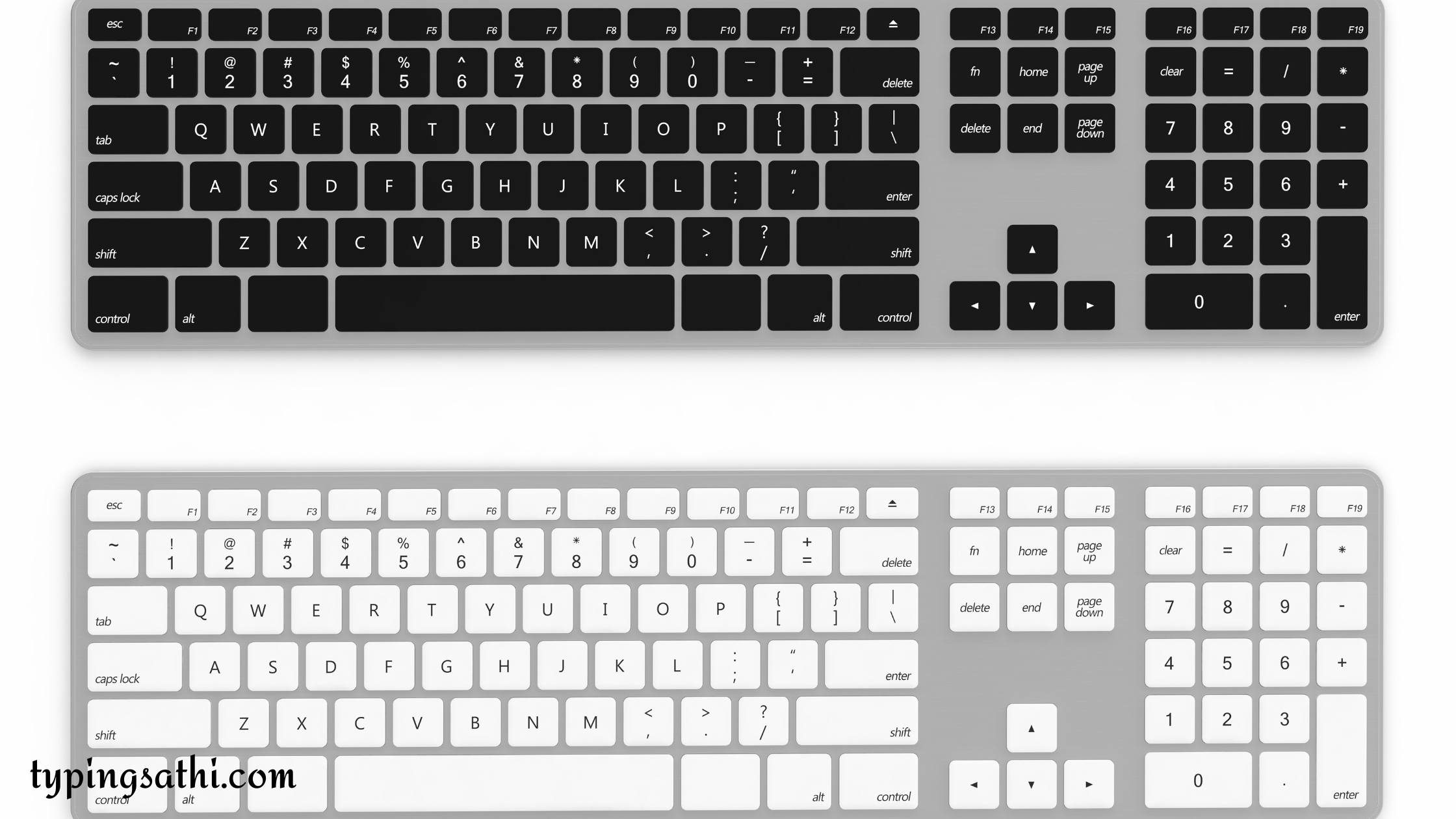
A normal (membrane) keyboard is the most commonly used type in offices and homes. It uses a rubber layer beneath each key.
Key Features:
- Soft key press
- Quiet typing
- Affordable
- Lightweight
- Common in laptops and desktops
Mechanical vs Normal Keyboard (Typing Speed Comparison)
| Feature | Mechanical Keyboard | Normal Keyboard |
|---|---|---|
| Typing Speed | Faster (after practice) | Moderate |
| Feedback | Strong tactile feel | Soft feedback |
| Accuracy | Higher (less accidental mistakes) | Slightly lower |
| Noise | Loud (in most cases) | Quiet |
| Price | Expensive | Budget-friendly |
| Learning Curve | Takes time | Easy to use |
Which Keyboard is Better for Typing Speed?
Mechanical Keyboard Wins (But With a Condition)
Mechanical keyboards can increase typing speed and accuracy, but only if:
- You practice regularly
- You get used to the key feedback
- You choose the right switch (Red/Brown/Blue)
For Beginners:
A normal keyboard is easier to begin with because:
- Soft keys
- No learning curve
- Comfortable for long sessions
The Truth Most People Don’t Tell You
A keyboard alone doesn't increase typing speed. Practice does.
You can reach:
- 50–60 WPM on a normal keyboard
- 70+ WPM on a mechanical keyboard
But without proper training, both are useless.
Best Approach for Maximum Typing Speed
Step 1: Start with what you have
Don’t wait to buy a keyboard - start practicing immediately.
Step 2: Use Structured Practice (Most Important)
This is where TypingSathi becomes a game-changer.
How TypingSathi Helps You Improve Faster
TypingSathi is designed specifically for Indian students preparing for typing exams.
🔥 What Makes It Powerful:
- 📚 Beginner to Advanced Lessons
Even if you are starting from zero - ⚡ Live Speed Tracking
See your WPM instantly - ❌ Error Detection + Guidance
Know exactly where you're going wrong - 🧪 Real Exam Simulation
Practice like SSC, NTPC, DSSSB exams - ⏱️ Time-Based Practice (2 min to 60 min)
Just like real exams
Mechanical vs Normal Keyboard + TypingSathi (Best Combo)
| Goal | Best Choice |
|---|---|
| Beginner | Normal keyboard + TypingSathi free |
| Intermediate | Any keyboard + daily practice |
| Advanced | Mechanical keyboard + TypingSathi paid |
Should You Buy a Mechanical Keyboard?
✅ Buy if:
- You are serious about typing exams
- You want higher speed & accuracy
- You can invest ₹2000–₹5000
❌ Skip if:
- You are a beginner
- Budget is low
- You haven’t built basic typing skills yet
Final Verdict
- Mechanical keyboard → Better performance (after practice)
- Normal keyboard → Good for beginners
- TypingSathi → Essential for real improvement
👉 The real winner is not the keyboard - it’s your practice system.
Conclusion
If your goal is to crack typing exams:
- Start practicing today (don’t wait for a keyboard)
- Use TypingSathi to build speed and accuracy
- Upgrade to a mechanical keyboard once you’re serious
👉 Because at the end,
Speed comes from consistency, not just hardware.